
Most legacy eCommerce platforms weren’t built for how people shop (or how teams build) today. What once felt reliable now slows everything down: adding a new payment option requires weeks, integrations break after every update, and analytics never quite match what finance expects. These small frustrations add up to lost opportunities and higher costs.
Modern platforms change that equation. They allow teams to act on ideas faster and adjust to shifting markets with less risk. Modernization matters because it restores momentum. It replaces patchwork fixes with a foundation that supports long-term growth and a pace of change that matches the business itself.
Old eCommerce platforms rarely fail overnight. They fade — updates take longer, customer issues pile up, and each improvement costs more than it should. Replatforming promises a fresh start, but the path there can be messy. Based on hard-won experience, this guide walks through what really matters when moving to a modern system and how to avoid the traps that derail so many migrations.
A successful eCommerce migration starts long before the first line of code is written. The teams that do this well spend time understanding what they’re moving and why. That means mapping every dependency, identifying what must be rebuilt versus replaced, and deciding where to draw the line between “good enough” and “worth re-architecting.”
Start with the data. Product catalogs, orders, and customer records rarely fit neatly into a new system. Cleaning and validating that information early prevents weeks of rework later. Then look at integrations: payment gateways, shipping providers, and marketing tools often behave differently on new platforms. A clear plan for how those services connect (and who owns each one) keeps the transition predictable.
Equally important is aligning teams. Marketing, operations, and engineering all view the store differently, but the migration succeeds only when their timelines and definitions of “done” match. The best plans leave room for testing, rollback options, and performance baselines before launch, so surprises become adjustments, not emergencies.
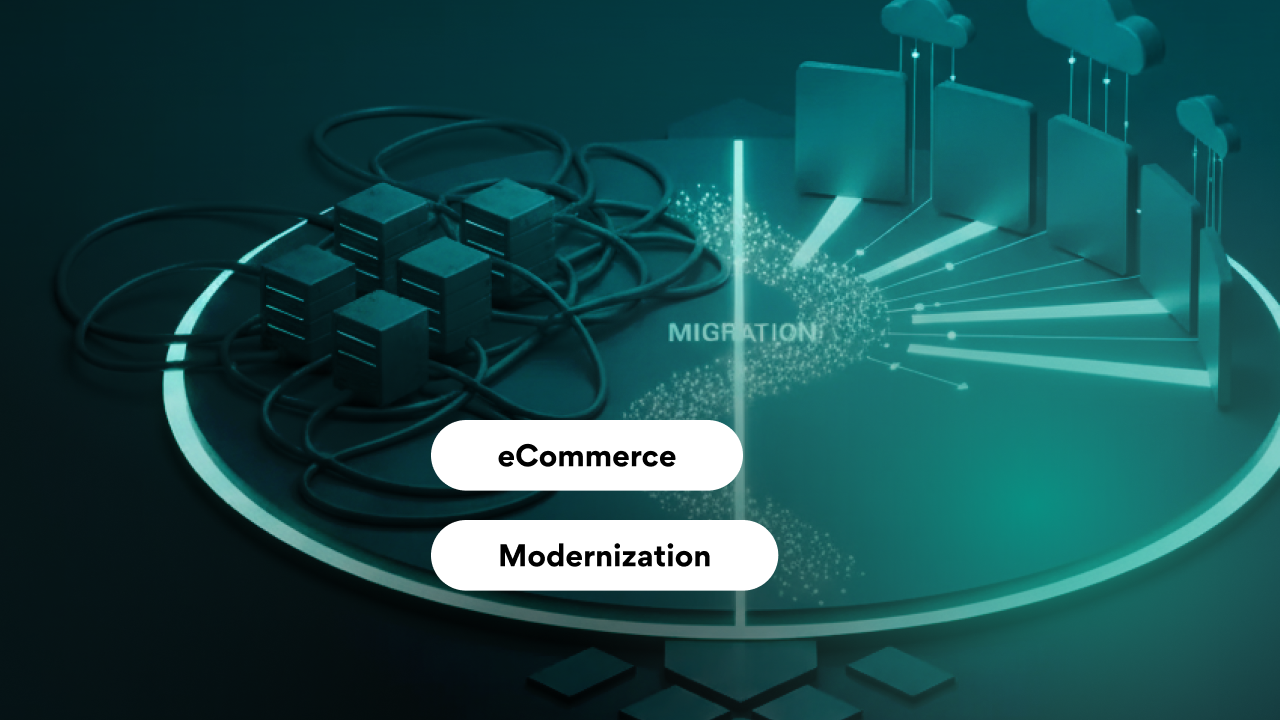
Old eCommerce platforms rarely fail overnight. They fade — updates take longer, customer issues pile up, and each improvement costs more than it should. Replatforming promises a fresh start, but the path there can be messy. Based on hard-won experience, this guide walks through what really matters when moving to a modern system and how to avoid the traps that derail so many migrations.
Most legacy eCommerce platforms weren’t built for how people shop (or how teams build) today. What once felt reliable now slows everything down: adding a new payment option requires weeks, integrations break after every update, and analytics never quite match what finance expects. These small frustrations add up to lost opportunities and higher costs.
Modern platforms change that equation. They allow teams to act on ideas faster and adjust to shifting markets with less risk. Modernization matters because it restores momentum. It replaces patchwork fixes with a foundation that supports long-term growth and a pace of change that matches the business itself.
A successful eCommerce migration starts long before the first line of code is written. The teams that do this well spend time understanding what they’re moving and why. That means mapping every dependency, identifying what must be rebuilt versus replaced, and deciding where to draw the line between “good enough” and “worth re-architecting.”
Start with the data. Product catalogs, orders, and customer records rarely fit neatly into a new system. Cleaning and validating that information early prevents weeks of rework later. Then look at integrations: payment gateways, shipping providers, and marketing tools often behave differently on new platforms. A clear plan for how those services connect (and who owns each one) keeps the transition predictable.
Equally important is aligning teams. Marketing, operations, and engineering all view the store differently, but the migration succeeds only when their timelines and definitions of “done” match. The best plans leave room for testing, rollback options, and performance baselines before launch, so surprises become adjustments, not emergencies.
Data rarely moves cleanly from one platform to another. Product details live in different formats, customer profiles are incomplete, and years of order history don’t always match the new schema. Many teams underestimate how much time data mapping and cleanup will take. A few inconsistent fields in a product feed can cascade into broken search results or empty carts after launch.
The same applies to integrations. Payment gateways, inventory systems, and CRMs often rely on custom connectors or outdated APIs that don’t translate easily to new environments. Even when an integration “works,” subtle differences, like how taxes or discounts are calculated, can throw off reports or customer receipts.
A disciplined approach helps: migrate data in stages, validate with automated checks, and test integrations in production-like environments before go-live. Building repeatable scripts instead of manual imports pays off when fixes are needed later. The goal isn’t just to move data, but to make sure the business can trust it from day one.
Most eCommerce migration failures don’t come from bad code. They come from rushed decisions and missed details. The same patterns repeat: teams underestimate the scope, skip validation steps, or treat the new platform as a one-to-one rebuild of the old one.
One common mistake is moving everything “as is.” Legacy data, outdated workflows, and unused integrations often carry technical debt straight into the new system. Migrations are a chance to simplify, not replicate.
Downtime is another risk. Even short outages during go-live can impact orders and customer trust. The best teams rehearse their launch process repeatedly, using dry runs to spot weak points. And after launch, they monitor closely — not just uptime, but conversion flow, search rankings, and performance trends.
Smooth migrations come from preparation, not luck. When every change has an owner, every dependency is tested, and rollback options are real, even major transitions can happen with confidence.
A new platform means little if traffic and speed drop the moment it goes live. SEO and performance are often treated as post-launch tasks, but the damage from neglecting them shows up fast — lost rankings and slower pages.
Every URL, redirect, and meta tag needs attention. Map old pages to their new equivalents before launch, and test those redirects with real crawlers, not just spreadsheets. Keep critical structures like category pages and product detail URLs consistent where possible; even minor changes can confuse search engines. Once live, monitor crawl errors and search console data daily for the first few weeks — small fixes early prevent major ranking losses later.
Performance deserves the same discipline. New eCommerce platforms sometimes hide latency behind features or scripts that look harmless in staging. Measure real-world load times on mobile devices, optimize image handling, and limit third-party scripts. A faster site doesn’t just please search engines — it keeps customers on the page.
Preserving SEO and performance is about ensuring that modernization delivers a better, faster, and more discoverable experience from day one.
Every eCommerce migration teaches something new, often the hard way. In large-scale projects, success rarely comes from perfect execution. It comes from teams that learn quickly and adapt.
One recurring lesson is that the “big bang” approach almost always backfires. Launching everything at once amplifies every small issue. Phased rollouts, even if they take longer, give space to test assumptions and adjust before full traffic hits. Another lesson: communication beats documentation. Daily syncs between engineering, ops, and marketing often solve more problems than any project plan can predict.
Teams that treat migration as a product, not a project, tend to fare best. They build monitoring into every layer, track metrics beyond uptime, and keep refining after launch. They also accept that not every legacy feature deserves to be rebuilt. Some things are better retired than reimplemented.
The eCommerce migrations that succeed are rarely the ones that go according to plan. They’re the ones where people know what to do when the plan stops working.
An eCommerce migration is only the beginning. The real value comes from how easily the new system adapts to what comes next. Market demands, tools, and customer expectations will keep shifting — the architecture has to keep pace without another full rebuild.
Future-proofing starts with separation of concerns. Keep the storefront, backend services, and data layers loosely coupled so changes in one don’t ripple through the rest. Favor APIs and events over direct integrations; they make it easier to plug in new payment methods, analytics tools, or personalization engines later.
Cloud services, composable commerce, and headless frameworks are signs that flexibility now outweighs completeness. Choose platforms that can evolve, not ones that try to do everything from day one.
Finally, treat modernization as an ongoing practice, not a milestone. Regularly audit dependencies, retire unused features, and benchmark performance against newer standards. The goal isn’t to stay current for a quarter — it’s to stay adaptable for years.
Old eCommerce platforms rarely fail overnight. They fade — updates take longer, customer issues pile up, and each improvement costs more than it should. Replatforming promises a fresh start, but the path there can be messy. Based on hard-won experience, this guide walks through what really matters when moving to a modern system and how to avoid the traps that derail so many migrations.


